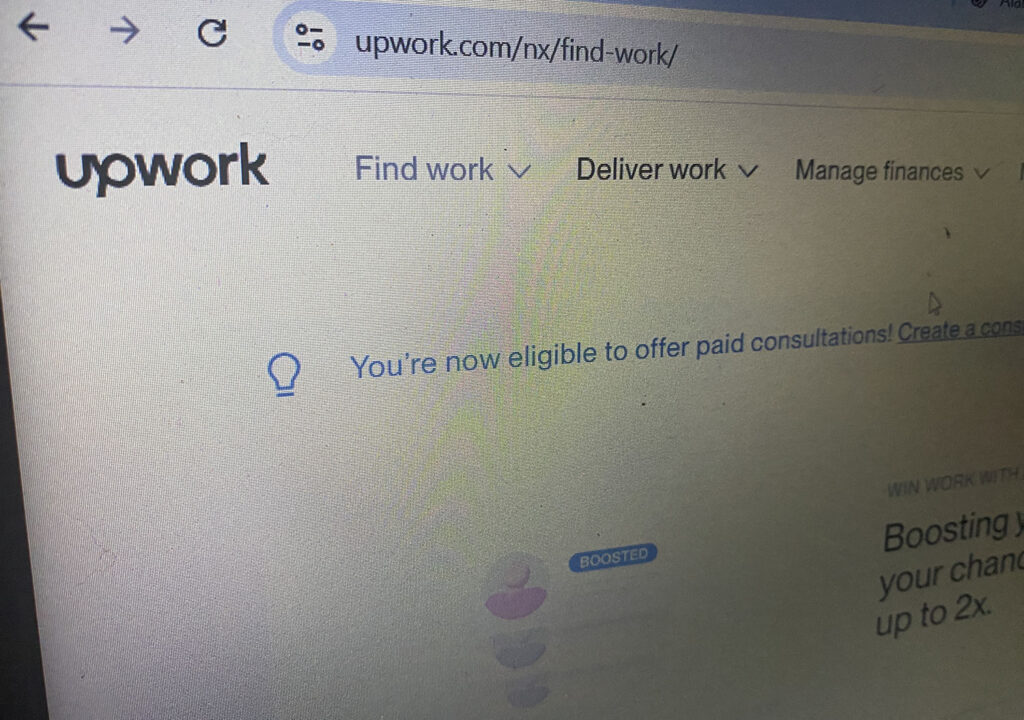

Yesterday, I set my alarm for 8 a.m. because I had funds ready to withdraw from my Upwork account. When the alarm went off, I also received an email notification on my phone saying, “Your tax information has been invalidated.”
I was immediately alarmed. First, I checked whether the email was legitimate, and after confirming that it was, I logged in to my Upwork account and saw that my withdrawal had been temporarily paused. I started to worry since I was supposed to withdraw my funds that day, but thankfully, I just followed the instructions provided.

- Go to your Tax Information page
- Complete a new W-8BEN or W-8BEN-E form
- If your information hasn’t changed, just click Edit and Save under Tax Identification Number to re-sign and resubmit. If it has, make any necessary updates before saving.
I updated and re-submitted everything, and tada! Everything was all set!
I no longer saw any warning reminders and was able to withdraw my funds immediately without any issues.